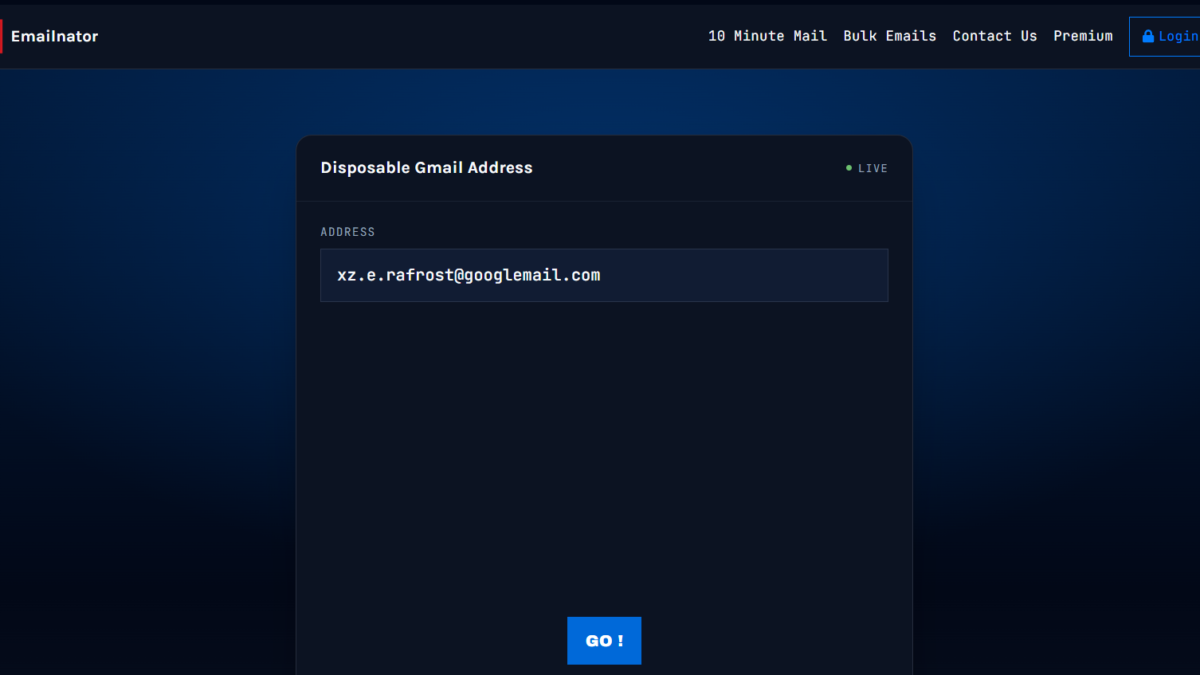
Your inbox fills up fast. You sign up for one free trial, and soon ten promotional emails land every week. For this reason, many people search for a temp mail Gmail account. You want a clean inbox, but you also like Gmail’s tools.
However, Gmail has no built-in disposable address feature. The good news is that you still have three smart options. In this guide, you will learn what a temp mail Gmail account is and how to set one up. Then you will see the risks, so you can stay safe. Beginners and small business owners in the USA, the UK, and beyond can follow every step.
What Is a Temp Mail Gmail Account?
A temp mail Gmail account is a short-term email address that works with Gmail. You use it for sign-ups, downloads, or tests. After that, you stop using it or delete it.
Quick answer: A temp mail Gmail account is a throwaway email address that works with Gmail. Gmail has no official disposable feature. However, you can create an alias with plus addressing, make a second free account, or use a temporary email service to protect your main inbox.
3 Ways to Get a Temp Mail Gmail Account
Each method has its own strengths. First, read all three. Then pick the one that fits your goal.
Method 1: Use Gmail Plus Addressing (Fastest)
Gmail ignores anything after a plus sign in your address. For example, mail sent to yourname+shopping@gmail.com still reaches yourname@gmail.com. As a result, you get a free Gmail alias in seconds.
Follow these steps:
- Pick a tag, such as +newsletter or +trial.
- Add it after your username, before @gmail.com.
- Enter the new address on the sign-up form.
- Next, create a filter in Gmail to label or delete those emails.
Plus addressing works well for tracking who sells your data. Although some websites reject plus signs, most accept them.
Method 2: Create a Second Gmail Account
A separate account gives you full separation. Go to the Google account sign-up page and choose a new username. Google may ask for a phone number to verify you.
This option suits you if you need a long-lasting “burner” inbox. For instance, you can use it for online shopping or customer surveys. Besides that, you can open it on your phone with one tap.
Method 3: Use a Free Temp Mail Service
Services such as Temp Mail, Guerrilla Mail, and 10 Minute Mail give you a free temporary email address with no sign-up. The address works right away. Then it expires after a set time.
Keep in mind that these inboxes are often public. Therefore, anyone who guesses the address can read the messages.
Quick Comparison
| Method | Setup Time | Best For | Privacy Level |
|---|---|---|---|
| Plus addressing | 10 seconds | Tracking spam | Medium |
| Second Gmail account | 5 minutes | Ongoing separation | High |
| Temp mail service | 1 minute | One-time downloads | Low |
Why Small Business Owners Use Temporary Email
Business owners face a lot of sign-ups. You test software, join webinars, and download guides. Consequently, your work inbox gets crowded.
A disposable email address helps in several ways:
- It keeps customer emails separate from promotional noise.
- It lets you test your own sign-up forms.
- It shows which vendors share your contact details.
- It cuts down on phishing risks.
In short, you save time and protect your brand.
Risks You Should Know
Temp addresses are handy, but they have limits. First, you can lose access to the inbox. As a result, you cannot reset your password later.
Second, some sites block known disposable domains. Also, public temp inboxes expose your messages. For this reason, never use them for banking, tax, or health accounts.
Smart Tips for Using Temp Mail Safely
- Use your real address for money, work contracts, and government accounts.
- Label each alias clearly, so you remember its purpose.
- Delete old accounts you no longer need.
- Turn on two-step verification for any Gmail account you keep.
- Never click suspicious links, even in a temporary inbox.
FAQ
Does Gmail offer temporary email addresses?
No. Gmail has no official disposable address tool. However, plus addressing and filters give you a similar result.
Is a temp mail Gmail account legal?
Yes, in most countries, including the USA and UK. You simply must not use it for fraud or abuse.
How long does a temp mail address last?
It depends on the method. Temp services often expire in minutes or hours. Gmail aliases and second accounts last as long as you keep them.
Can I receive verification codes on temp mail?
Often, yes. Nevertheless, some websites block disposable domains, so the code may never arrive.
Is temp mail safe for important accounts?
No. Use a permanent, secure address for anything that involves money, identity, or business records.
Conclusion
A temp mail Gmail account protects your inbox from spam and tracking. Overall, plus addressing is the fastest option. A second Gmail account offers more privacy, and temp services suit quick one-time tasks.
Remember these takeaways:
- Gmail has no built-in disposable feature, but workarounds exist.
- Match the method to the task.
- Keep important accounts on a secure, permanent address.
Ready to clean up your inbox? Try a Gmail alias today, and share this guide with a friend or teammate.