iPhone vs Android: Which Phone Should You Buy?
You walk into a store, and two walls of phones stare back at you. One side shows iPhones. The other shows dozens of Android models. As a result, you feel stuck before you even start.
The iPhone vs Android debate confuses many first-time buyers. However, you don’t need to be a tech expert to decide. You only need to know what matters to you.
In this guide, you will compare both platforms side by side. First, you will see a quick answer. Then you will explore price, software, cameras, and privacy. Finally, you will get clear steps to pick your next phone.
iPhone or Android?
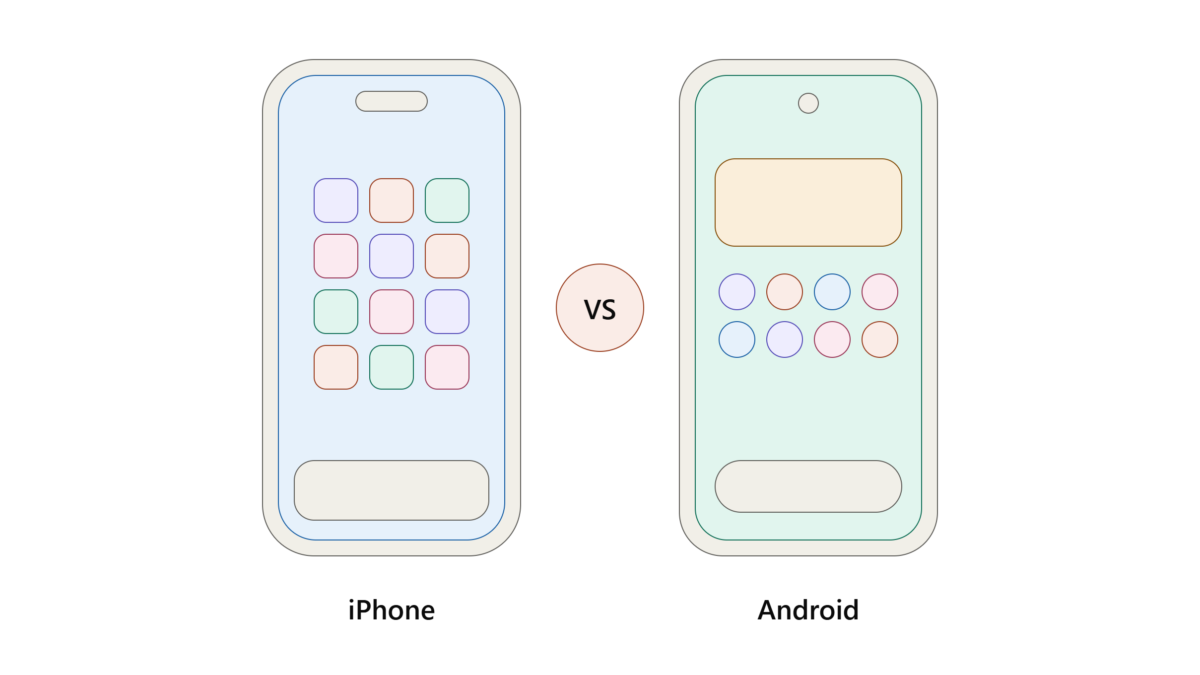
The iPhone vs Android choice depends on your needs. iPhone offers simple design, strong privacy, and long updates. Android offers more choice, lower prices, and deeper customization. Choose iPhone if you use other Apple products. Choose Android if you want variety and flexibility.
iPhone vs Android: Key Differences at a Glance
This table shows the main points. Next, the sections below explain each one.
| Feature | iPhone | Android |
|---|---|---|
| Operating system | iOS | Android |
| Makers | Apple only | Samsung, Google, Xiaomi, and more |
| Price range | Mid to high | Low to high |
| Customization | Limited | Extensive |
| App store | App Store | Google Play (plus other options) |
| Updates | Same day for all supported models | Varies by brand |
Price and Choice
Apple sells only a few iPhone models each year. Therefore, your choice stays simple. Prices usually start in the mid range and climb from there.
Android works differently. Many brands make Android phones, so you can find options at nearly every budget. For example, you can buy a basic phone for light use or a premium flagship for gaming.
If budget matters most, Android gives you more room to save. On the other hand, iPhones often keep a higher resale value.
Software: iOS vs Android
How iOS Feels
iOS looks clean and consistent. Every iPhone uses the same layout, so you learn it once and use it anywhere. Moreover, Apple apps like iMessage, FaceTime, and AirDrop work smoothly together.
How Android Feels
Android gives you more control. You can change your home screen, pick a default browser, and rearrange almost everything. In addition, you can often install apps from outside the main store, although this adds some risk.
Overall, iOS favors simplicity. Android favors freedom.
Camera Quality
Both platforms take excellent photos today. However, they handle images differently.
- iPhone: Photos look natural and consistent. Video recording is a major strength.
- Android: Brands like Google and Samsung push advanced zoom and AI editing tools.
Because camera quality varies by model, compare specific phones instead of whole platforms. For instance, read reviews and test sample photos before you buy.
Updates and Long-Term Support
Updates keep your phone safe and fast. Apple updates iPhones directly, so supported models receive new versions at the same time.
Android updates depend on the maker. Google Pixel and Samsung now promise several years of updates on their newer flagships [verify the exact years for your model]. Budget Android phones, however, often get less support.
So always check the update policy before you buy.
Privacy and Security
Apple promotes privacy as a core feature. It limits app tracking and shows clear permission prompts. As a result, many users feel more in control.
Android also offers strong security tools, such as Google Play Protect and permission controls. Still, the experience varies across brands. Therefore, stick to trusted makers and keep your software current.
How to Choose the Best Phone to Buy
Follow these steps to decide with confidence.
- Set your budget. First, decide how much you can spend.
- Check your ecosystem. Next, look at your laptop, watch, and earbuds. Apple devices work best together.
- List your must-haves. Then write down what you need, such as a great camera or a big battery.
- Compare two or three models. After that, read reviews and watch hands-on videos.
- Test in a store. Finally, hold the phone and use it for a few minutes.
Practical Tips Before You Buy
- Pick a model with at least 128 GB of storage if you take many photos.
- Check the warranty and repair costs.
- Look at the trade-in value of your old phone.
- Avoid unknown brands with no update promise.
FAQ: iPhone vs Android
Is iPhone better than Android?
Neither wins in every case. iPhone suits people who want simplicity and long support. Android suits people who want variety, lower prices, and customization.
Which is cheaper, iPhone or Android?
Android is usually cheaper because it offers many budget models. iPhones cost more upfront but often hold their value well.
Is iOS vs Android safer?
Both are secure when you update regularly. iOS has a more closed system, which reduces some risks. Android is safe if you install apps only from trusted sources.
Which phone lasts longer?
Both can last several years. Longevity depends on the update policy, build quality, and battery care for your specific model.
Can I switch from Android to iPhone easily?
Yes. Apple offers a “Move to iOS” app that transfers contacts, photos, and messages. Switching back to Android also works through Google’s tools.
Conclusion: Your iPhone vs Android Decision
To sum up, the iPhone vs Android choice comes down to your habits and budget.
Key takeaways:
- Choose iPhone for simplicity, privacy, and Apple ecosystem benefits.
- Choose Android for variety, lower prices, and customization.
- Check update promises and camera reviews for the exact model.
Now it’s your turn. Write down your budget and top three needs, then compare two phones this week. Share your pick in the comments, and subscribe for more phone buying guides.